2026 General Shareholders' Meeting Participation Portal

Key information about the Participation Portal

General Shareholders' Meeting

The next General Shareholders’ Meeting is scheduled to be held at the Company’s registered office (Plaza Euskadi, 5, Bilbao) on Friday 29 May 2026, at 10:30 a.m. (first call), with shareholders and proxy representatives being able to participate remotely through this website.

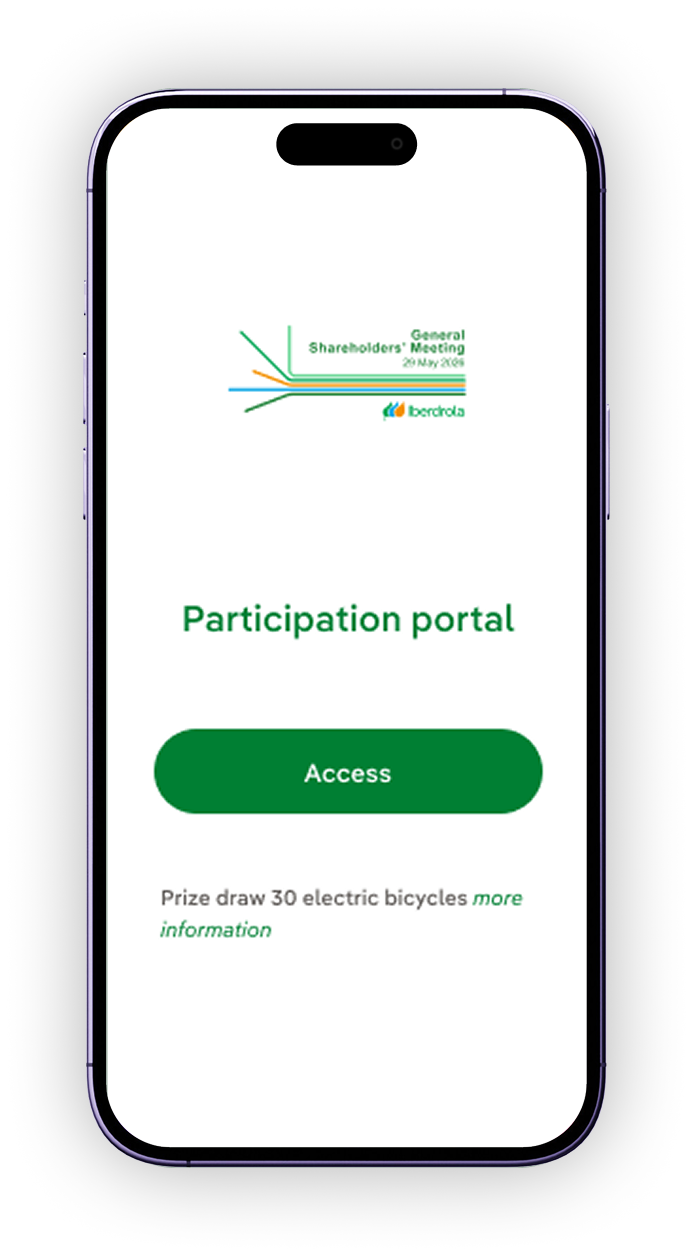
Shareholders and their proxy representatives can attend the Meeting through the Participation Portal, as well as grant a proxy or cast a vote prior to the Meeting.

What credentials/information are needed to access the portal?

  • Shareholders

    Individual shareholders can authenticate themselves with their OLS Shareholders’ Club password and total number of shares (both as owner and co-owner), using either a recognised electronic certificate issued by the Royal Spanish Mint (FNMT), or their DNIe. 

    Furthermore, shareholders who are members of the OLS – Shareholders’ Club, or whose shares are held at deposited with entities that provide Iberdrola with the e-mail address of their customers, may also authenticate themselves by entering the QR code included in the proxy and absentee voting card that Iberdrola will send them by e-mail.

    Shareholders who are legal persons must authenticate themselves with a recognised electronic signature issued by the Royal Spanish Mint.

  • Representatives

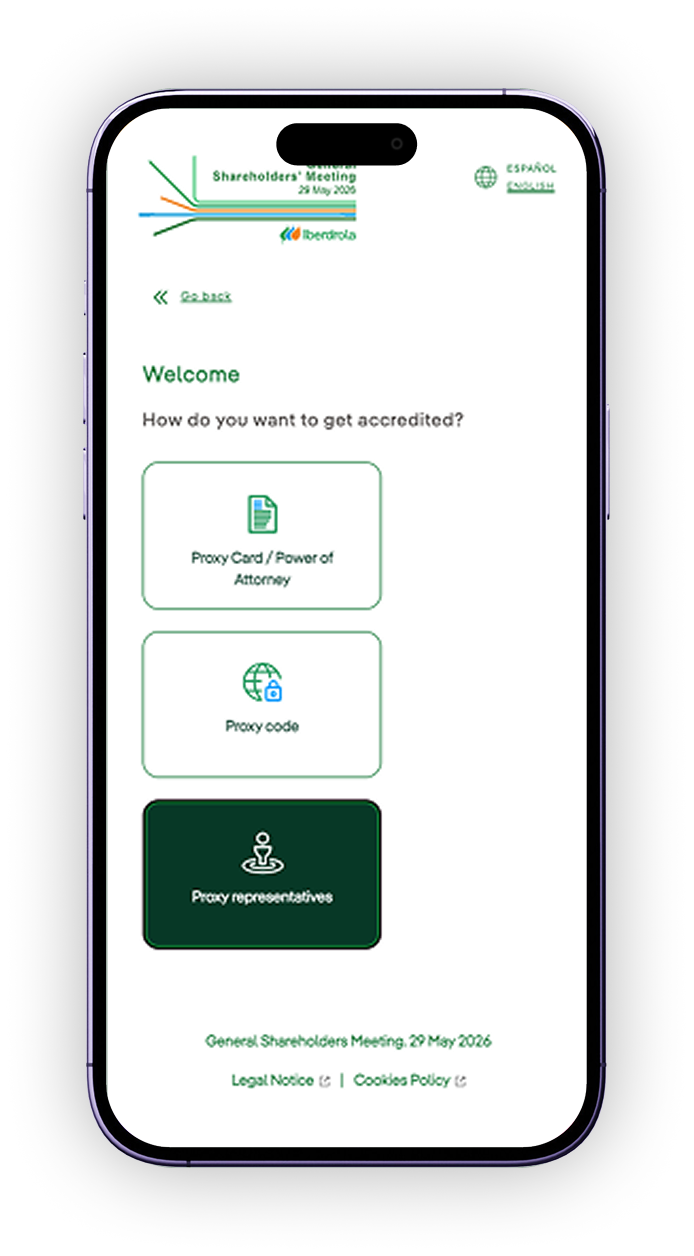
    Proxy representatives can log in to the Participation Portal and send us a scanned copy of the card signed by the shareholder they represent to verify that they have been granted their proxy. Once verified, the proxy representatives will receive a proxy code with which they can be authenticated.

    Representatives of legal entities without a recognised electronic signature may grant a proxy or cast an absentee vote through the Participation Portal by submitting an image of the proxy and absentee voting card and by authenticating their powers to attend the General Meeting by submitting a scanned copy of the card and their power of attorney.

Participation Portal for shareholders. Access, use and services

A digital platform designed to allow shareholders and their proxies to attend the General Shareholders' Meeting remotely, as well as appoint a proxy or vote before the meeting is held.

A. If you have received a proxy appointment and voting card with a QR code, you can:
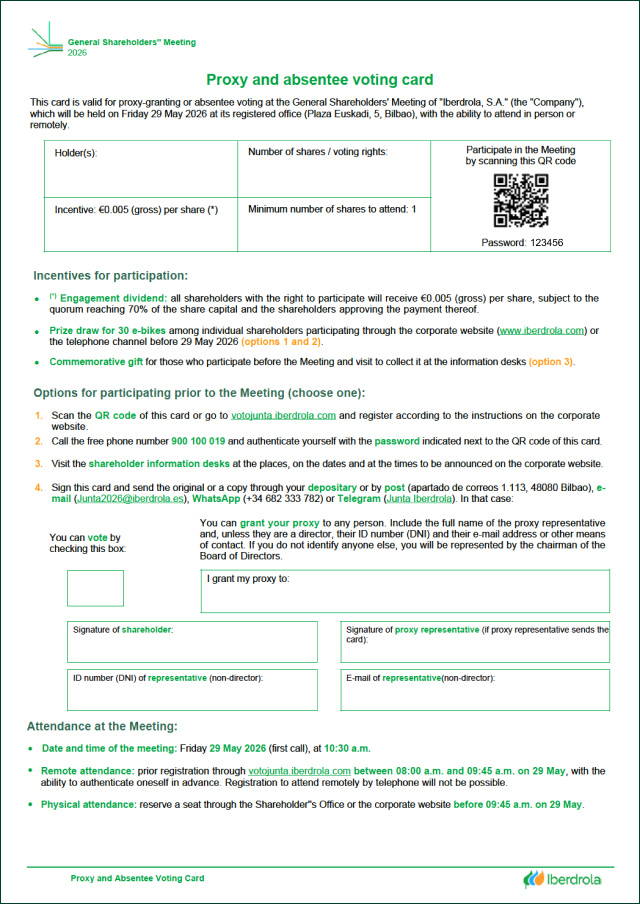
Proxy and voting card with QR code to access the participation portal

1. Scan the QR code with your mobile phone or click on it to access the portal

A. If you have received a proxy appointment and voting card with a QR code, you can:

Proxy and voting card with password to access the participation portal

2. Go to votojunta.iberdrola.com and register by following the instructions using the password shown next to the QR code on your proxy appointment and voting card

B. Access through this link

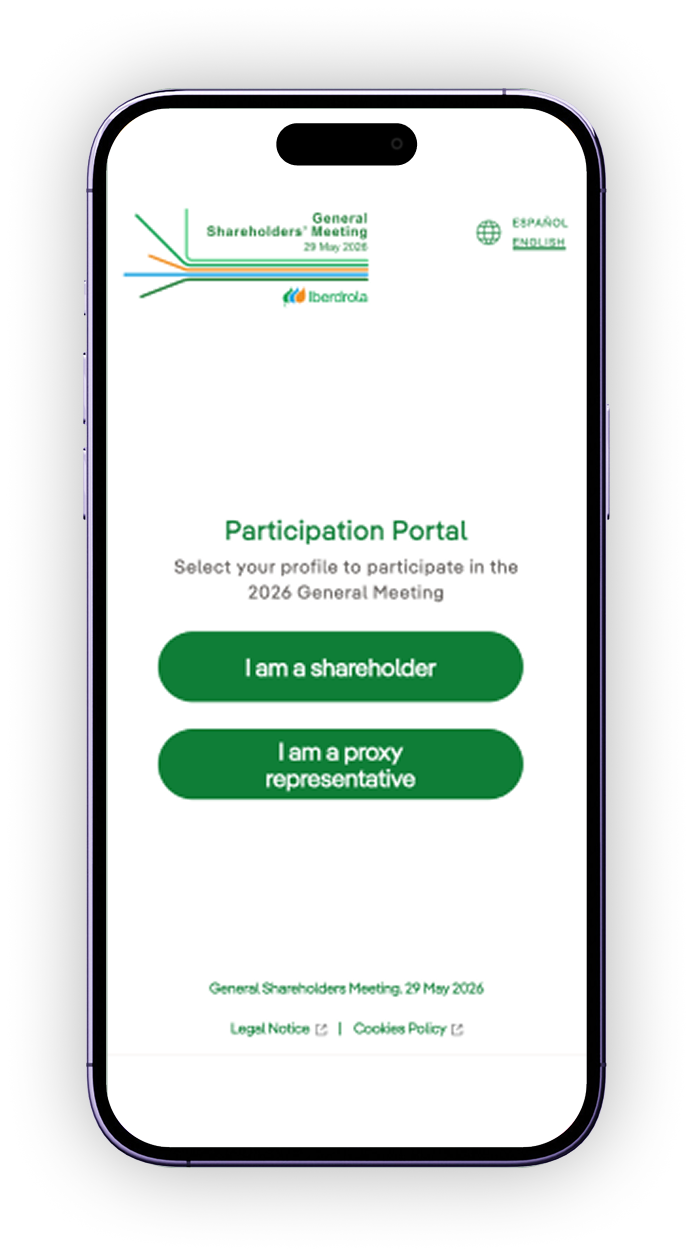
Participation portal screen with the I am a shareholder option

1. Select the “I am a shareholder” option to identify yourself

B. Access through this link

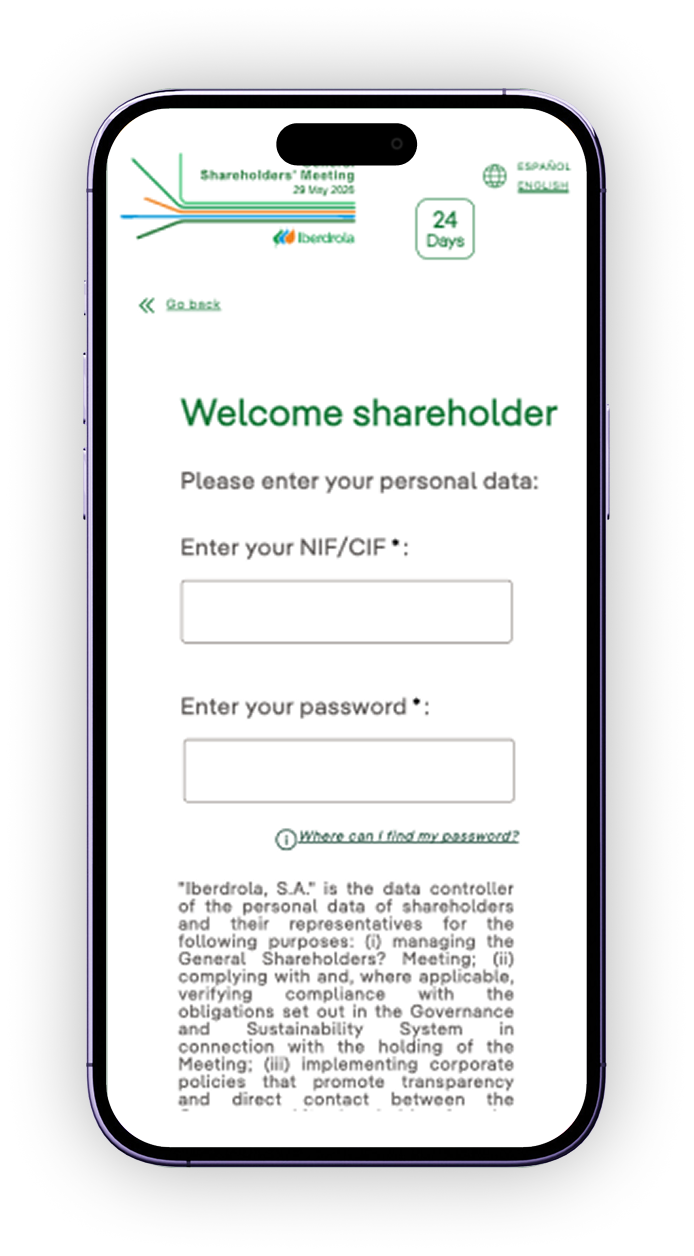
Identification screen for individual shareholders

2. Individual shareholders may identify themselves using at least one of the following credentials:

OLA Shareholder Club password

Total number of shares held (including those held as holder or joint holder)

Recognised electronic certificate issued by the Royal Spanish Mint (Fábrica Nacional de Moneda y Timbre, FNMT)

DNIe

B. Access through this link

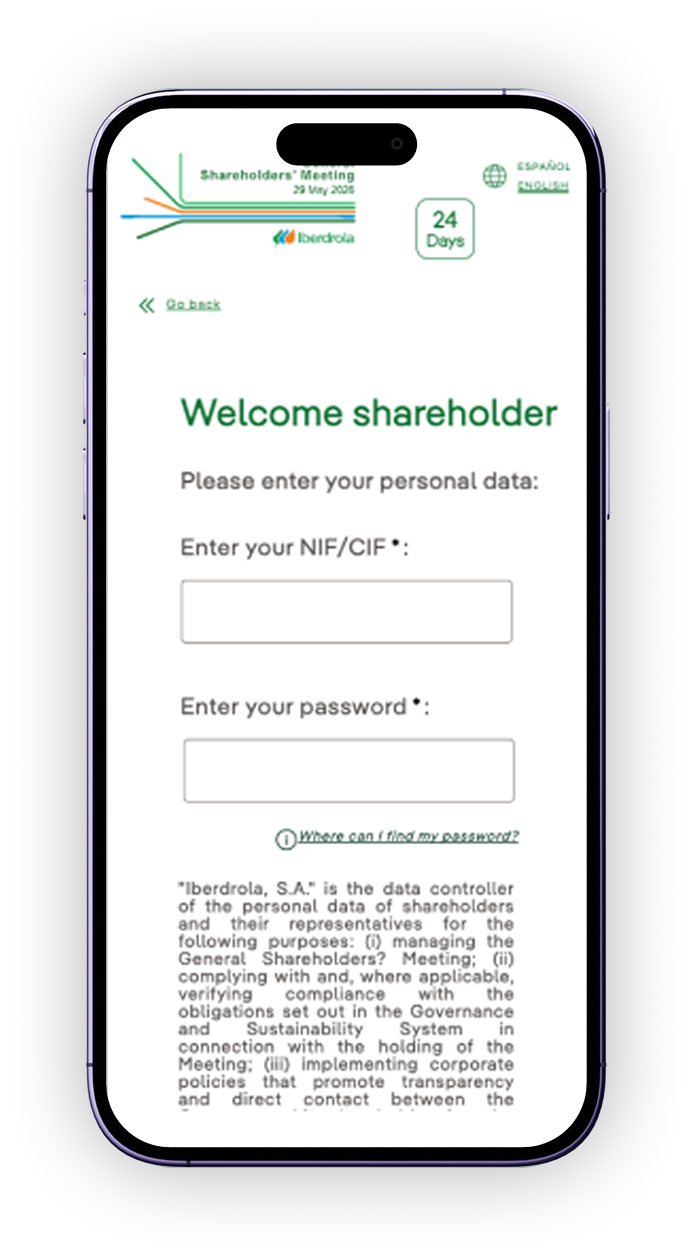
Identification screen for corporate shareholders

3. Corporate shareholders may identify themselves using:

Recognised electronic signature from Spanish Royal Mint (Fábrica Nacional de Moneda y Timbre, FNMT)

Voting or proxy delegation icon

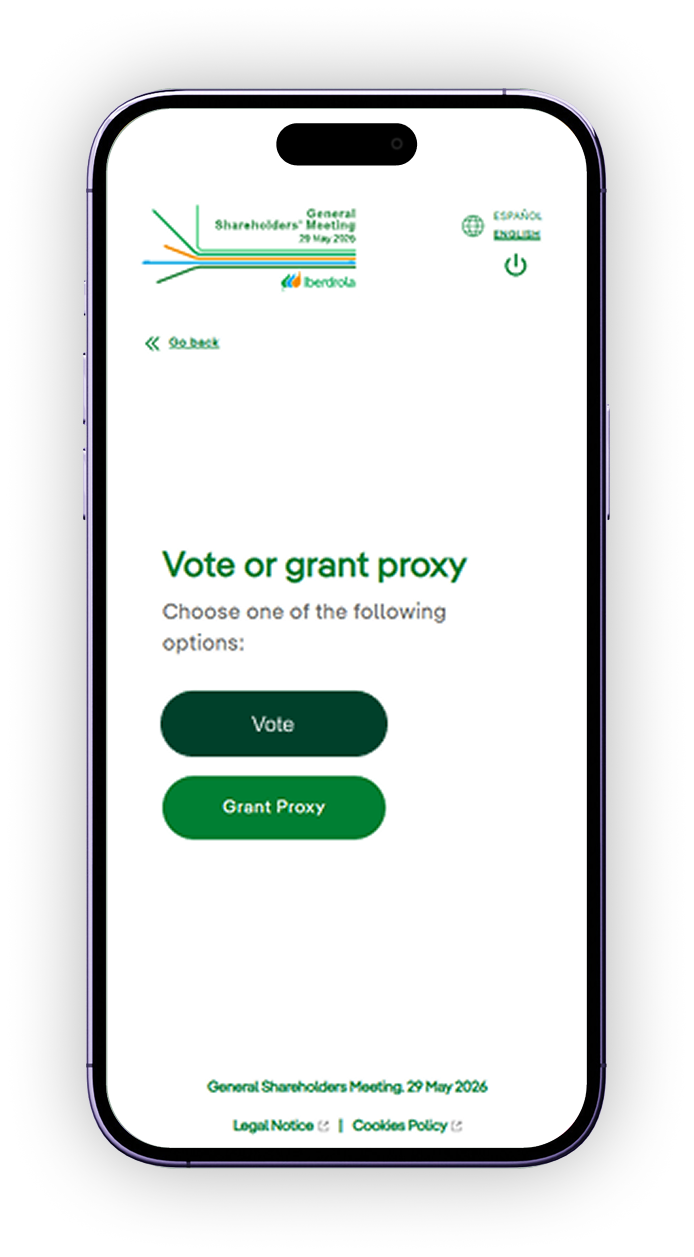
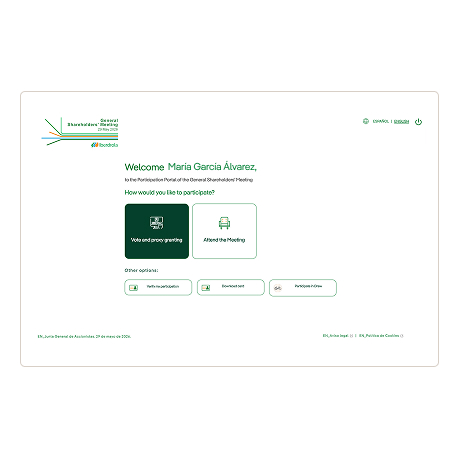
Vote or grant proxy

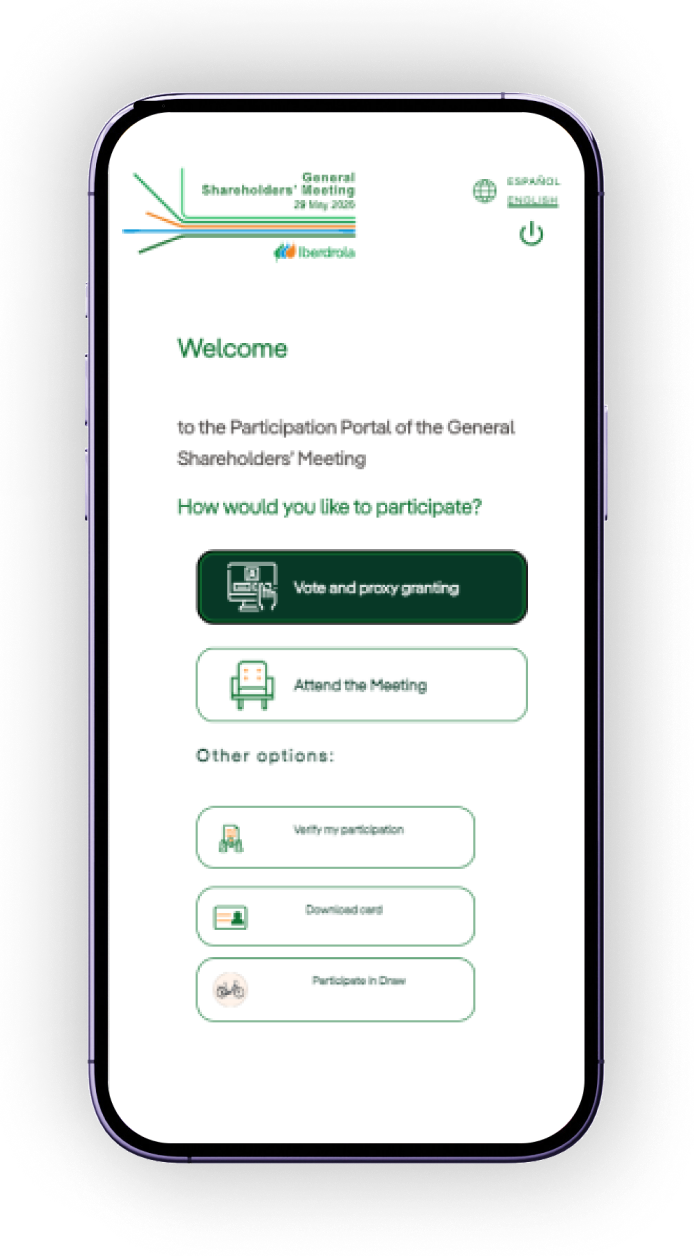
Participation portal screen with voting or proxy delegation options

Use the “Vote or grant proxy” option to exercise your voting rights or appoint a proxy to vote on your behalf.

Voting or proxy delegation icon

Vote

Participation portal screen with voting or proxy delegation options

Through the “Vote” option, you can confirm your voting instructions for all items on the agenda at once (“Vote all in favour” button) or vote on each item individually (“Votes” button)

Voting or proxy delegation icon

Grant proxy

Participation portal screen with voting or proxy delegation options

The “Grant proxy” option allows you to choose who will represent you, with the following options:

Chairman of the Board of Directors

Board of Directors

Individual

Legal entity

Meeting attendance icon

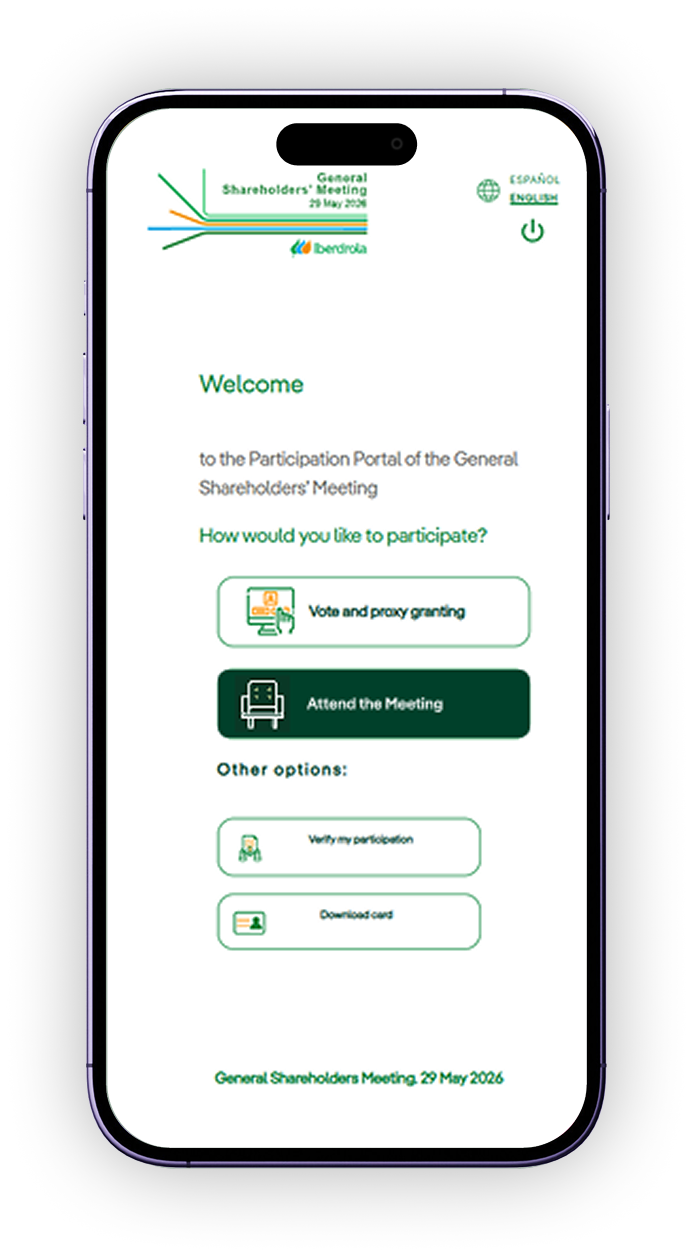
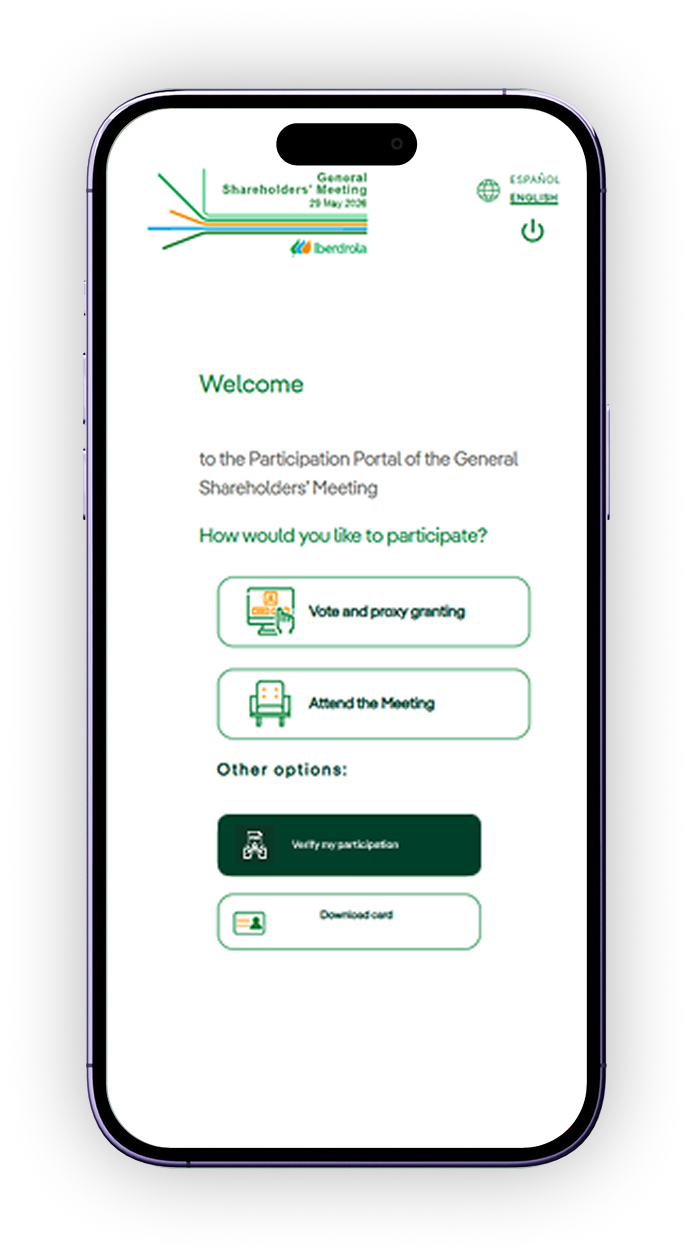
Attend the meeting

Participation portal screen with the Attend the Meeting option

Use the “Attend the meeting” option to pre-register your attendance on the day of the meeting

Remote attendance icon

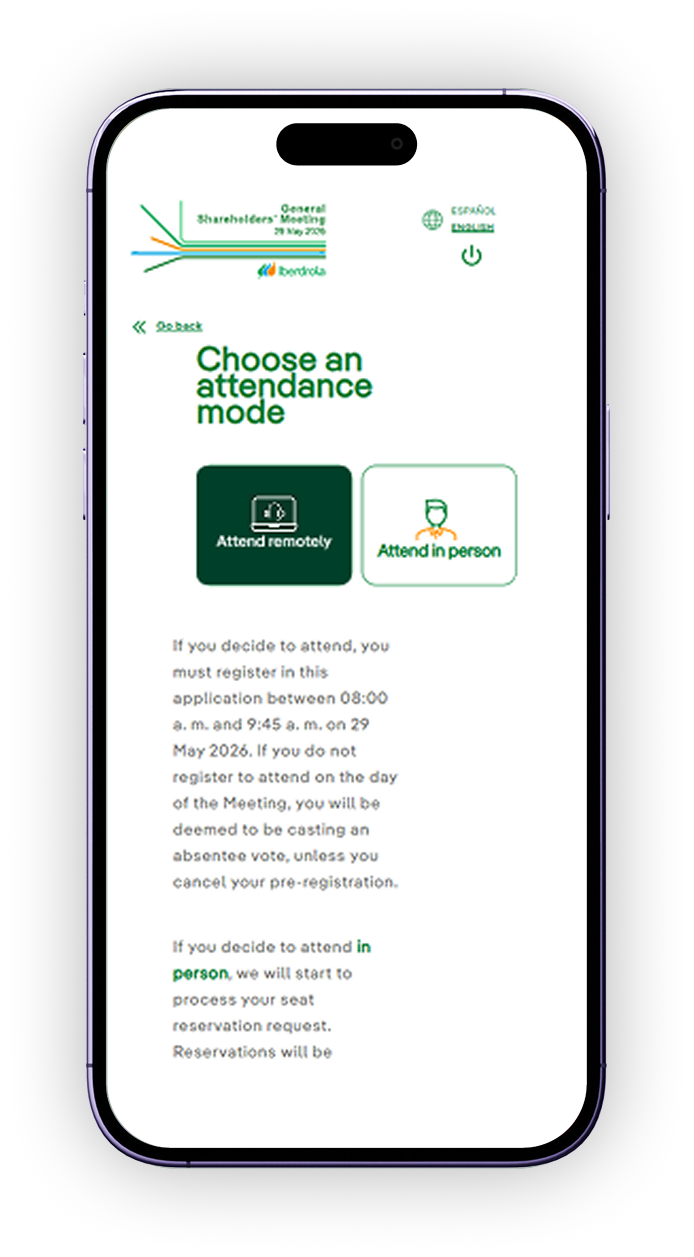
Attend remotely

Participation portal screen with the Remote attendance option

Select the “Attend remotely” button to confirm your participation remotely. Once your attendance has been registered, you may modify or cancel it from the main menu.

This option will only be available between 8am and 9:45am on 29 May

In-person attendance icon

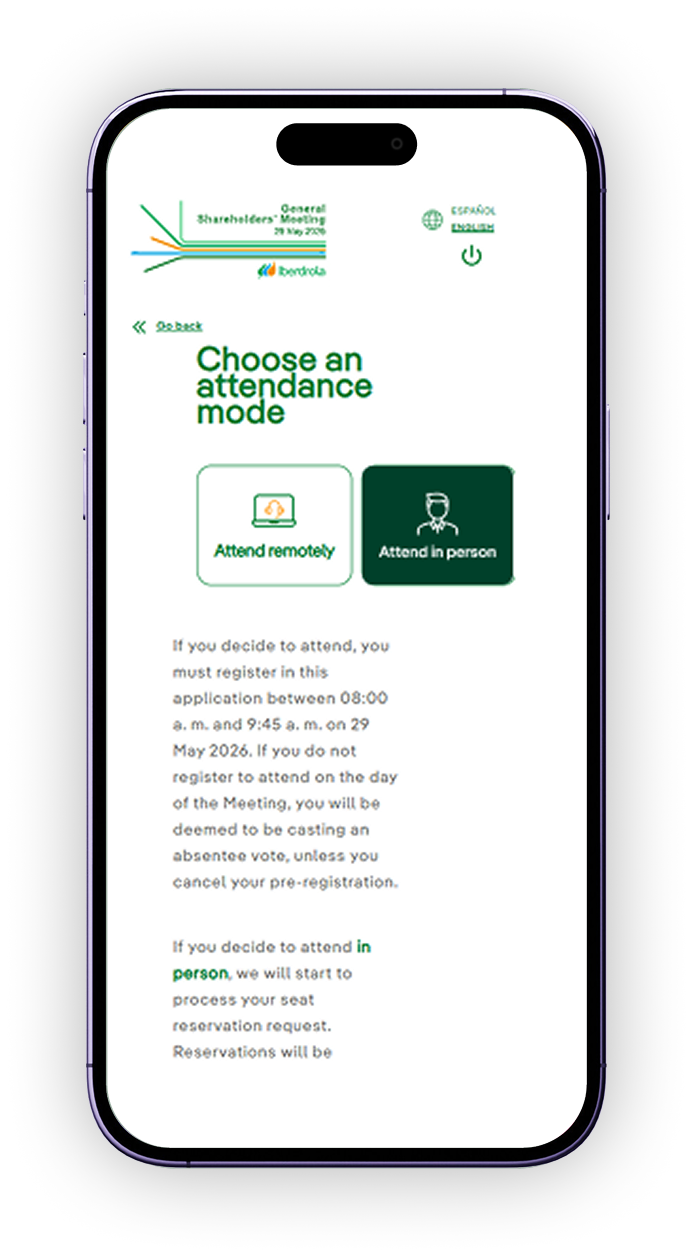
Attend in person

Participation portal screen with the Attend in person option

Select the “Attend in person” button to confirm your attendance in person. Once your attendance has been registered, you may modify or cancel it from the main menu.

*Reservations will be processed in chronological order of receipt until, as applicable, available capacity has been reached

Participation receipt icon

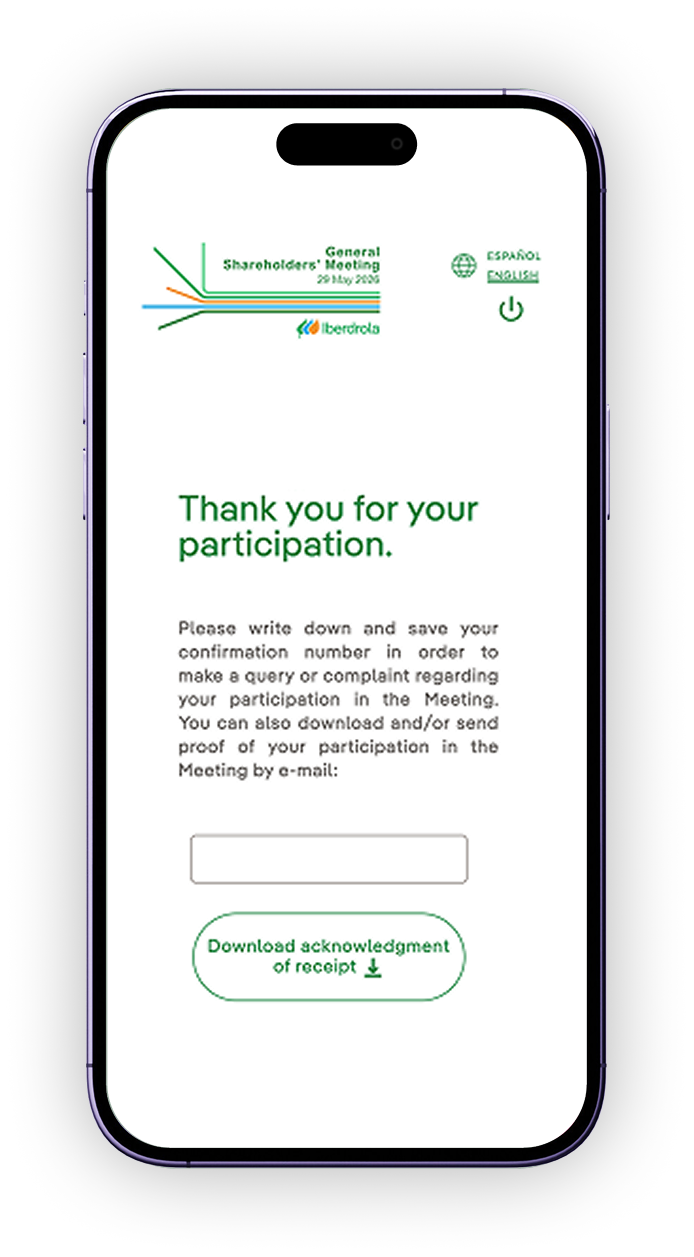
Participation receipt

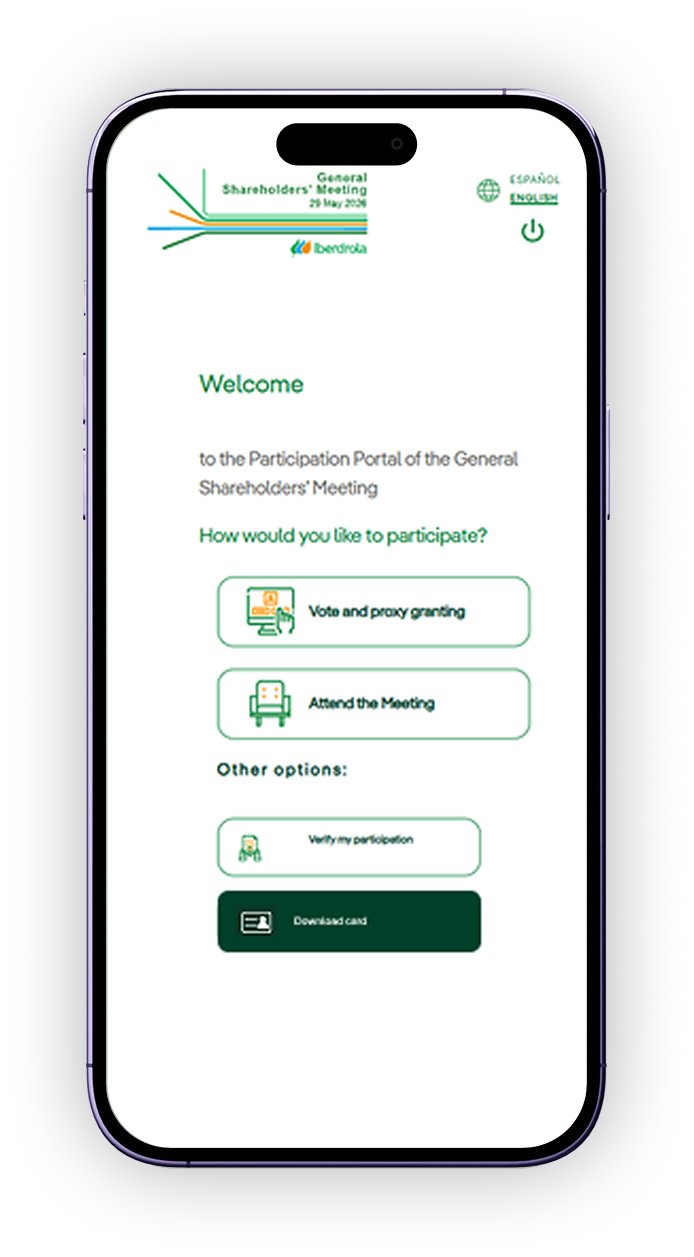
Participation portal screen with the Check my participation option

All shareholders and proxies with a representation code may download a receipt confirming that their shares or voting instructions have been registered. This option will be available under “Verify my participation” until one month after the General Shareholders' Meeting.

Card download icon

Download proxy appointment or voting cards

Participation portal screen with the Download cards option

If you have not received your card, or if it has been lost, all shareholders may download it using the “Download cards” option. Cards issued reflect the shares registered in the applicant's name according to the information available at the time of the request and may therefore differ from those issued by custodian entities.

Prize draw access icon

Prize draw access

Participation portal screen with access to the prize draw

At the 2026 General Shareholders' Meeting, all shareholders who appointed a proxy or voted through the Participation Portal and met the applicable requirements may enter the draw for 50 electric bicycles. Once your vote has been correctly registered, you may enter the draw through the portal by completing a form with your details.

See more about the electric bicycles draw

Participation Portal for proxies. Access, use and services

A digital platform designed to allow shareholders and their proxies to attend the General Shareholders' Meeting remotely, as well as appoint a proxy or vote before the meeting is held.
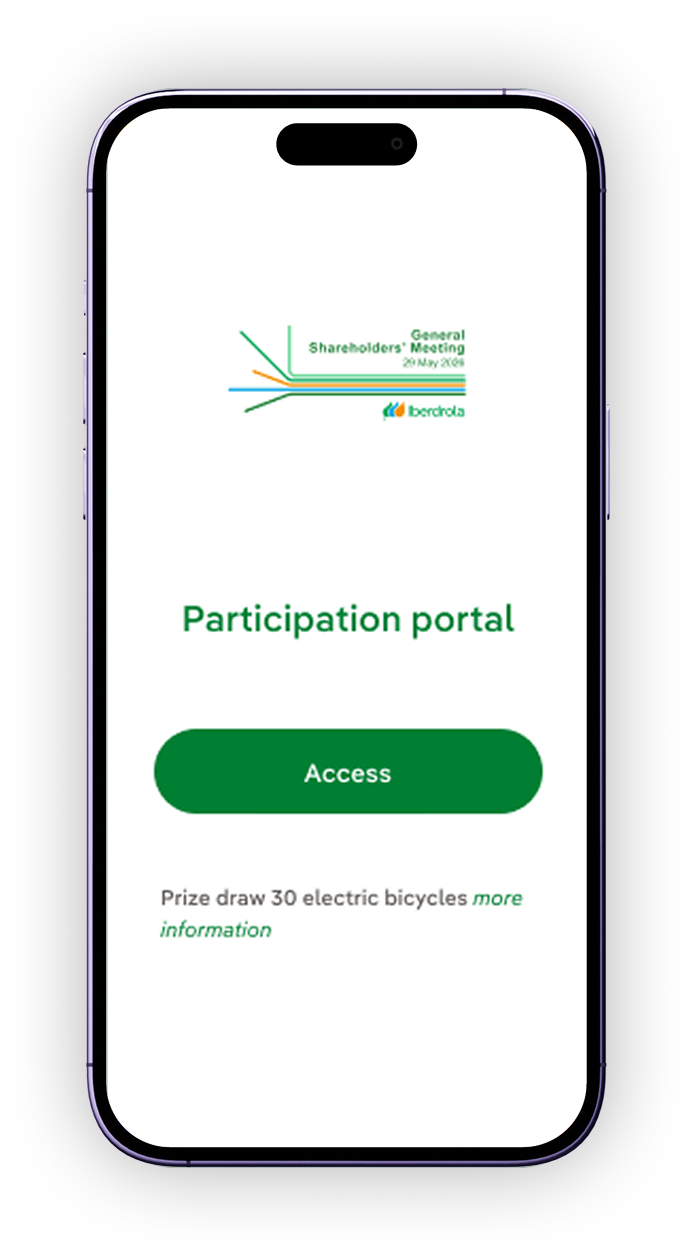
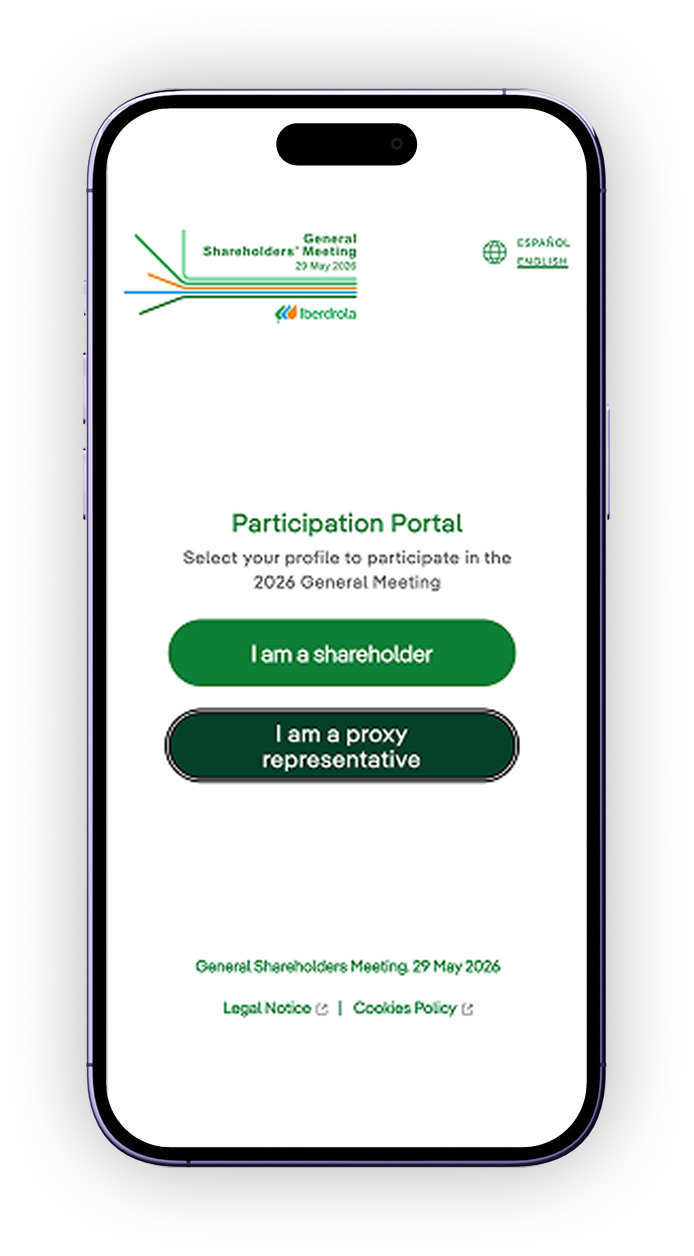
2. Select “I am a proxy”

Participation portal screen with the I am a proxy option

Select the “I am a proxy” option to identify yourself.

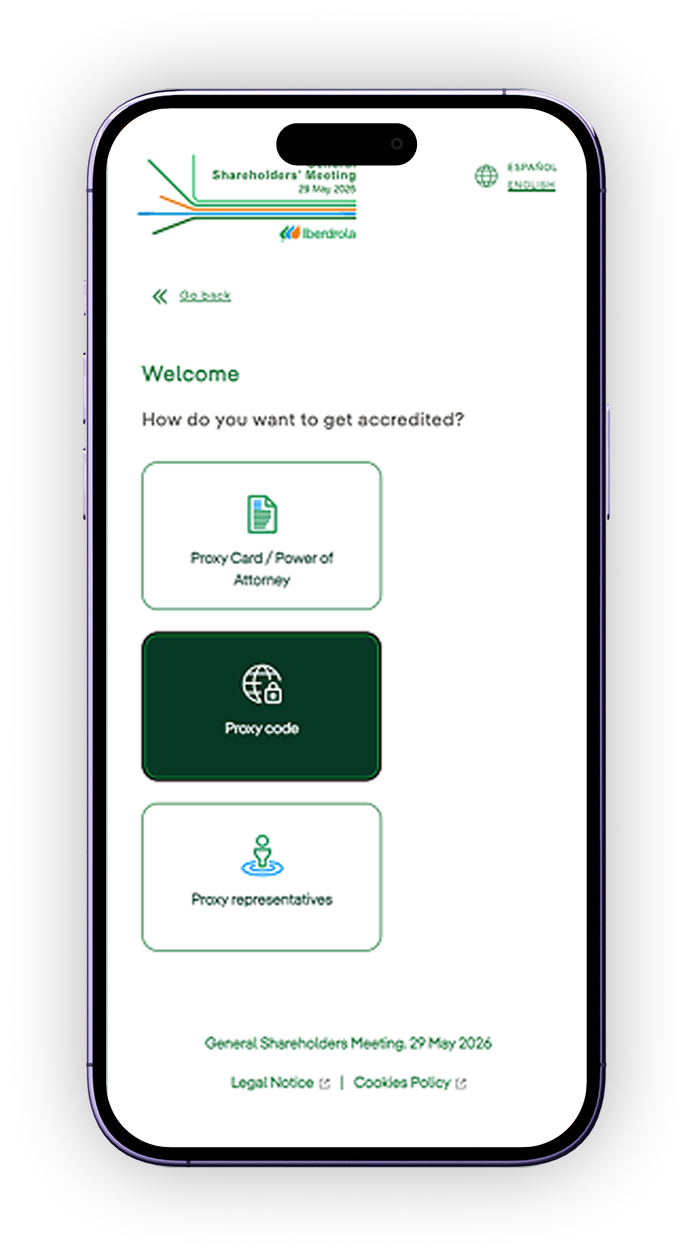
3. Do you already have your representation code?

Screen to access with a representation code

YES

Select “My representation code” and use that code to access the portal.

3. Do you already have your representation code?

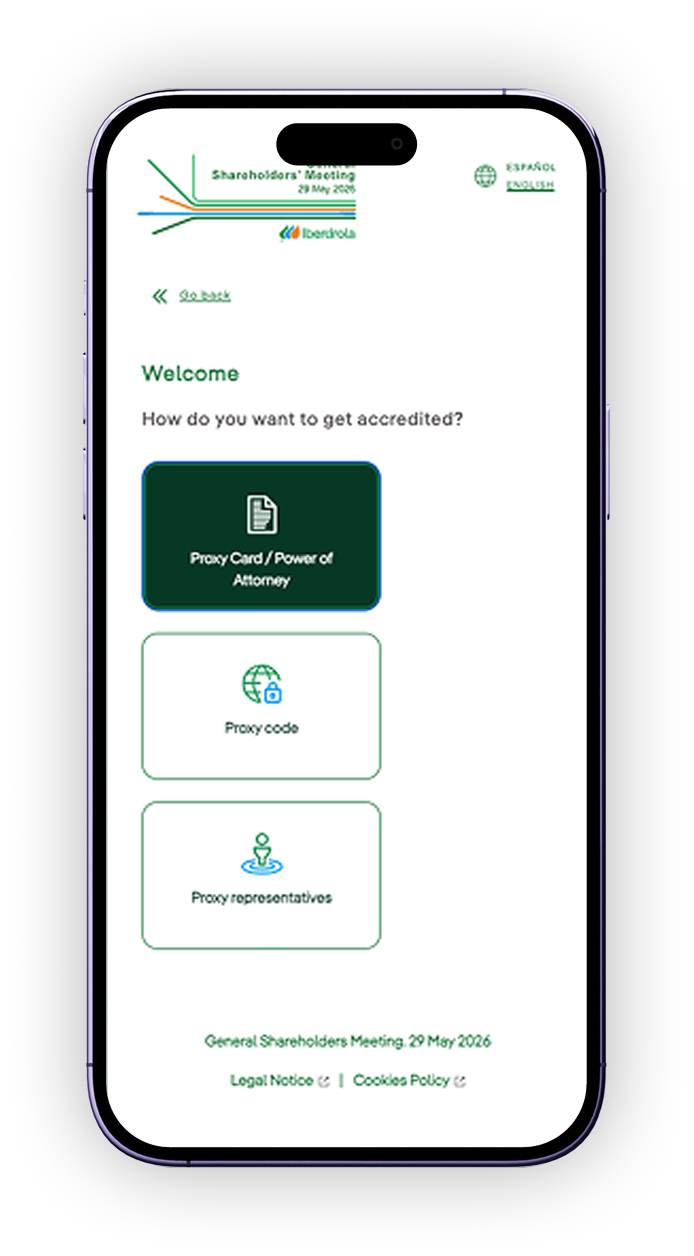
Screen to request a representation code with a proxy delegation

NO

Select “With my proxy appointment” and, after submitting the required documentation, you will receive your code.

A proxy may submit a scanned copy of the card signed by the represented shareholder to verify the proxy appointment. Once verification has been completed, a representation code will be provided for identification.

3. Do you already have your representation code?

Access screen for legal proxies using the card password

NO

Legal representatives of individual shareholders (e.g. minors) and legal representatives of corporate shareholders must identify themselves using the password included below the QR code on the proxy appointment and remote voting card.

Voting or proxy delegation icon

Vote

Participation portal screen with voting or proxy delegation options

Through the “Vote” option, you can confirm voting instructions for all items on the agenda at once (“Vote all in favour” button) or vote on each item individually (“Votes” button).

Meeting attendance icon

Attend the meeting

Participation portal screen with the Attend the Meeting option

Use the “Attend the meeting” option to pre-register your attendance on the day of the meeting.

Remote attendance icon

Attend remotely

Participation portal screen with the Remote attendance option

Select the “Remote attendance” button to confirm your participation remotely. Once your attendance has been registered, you may modify or cancel it from the main menu.

This option will only be available between 8am and 9:45am on 29 May.

In-person attendance icon

Attend in person

Participation portal screen with the Attend in person option

Select the “Attend in person” button to confirm your attendance in person. Once your attendance has been registered, you may modify or cancel it from the main menu.

*Reservations will be processed in chronological order of receipt until, as applicable, available capacity has been reached.

Participation receipt icon

Participation receipt

Participation portal screen with the Check my participation option

All shareholders and proxies with a representation code may download a receipt confirming that their shares or voting instructions have been registered. This option will be available under “Verify my participation” until one month after the General Shareholders' Meeting.

What else does the Participation Portal offer?

Proof of participation

All shareholders taking part in the General Meeting (by granting a proxy, casting an absentee vote or attending) can download a receipt to confirm that their shares or voting instructions have been properly recorded. They can make this request from the date on which their participation in the General Meeting is recorded in the Company’s systems until one month after the meeting is held.
Proxies and absentee votes is counted subject to verification by the Company of the number of shares registered in the holder’s name five days prior to the General Meeting.

Download cards

In case of not receiving the card, or in case of loss, we offer other alternatives to participate in the General Meeting. If preferred, we provide the option to download a card from the Participation Portal.

Cards issued through this website reflect the shares registered in the name of the applicant in accordance with information available to the Company on the date of the request. Therefore, the information shown on this card may not coincide with the information shown on the cards issued by the depositaries.

Proxies and absentee votes is counted subject to verification by the Company of the number of shares registered in the holder’s name five days prior to the General Meeting.

Apart from the Participation Portal, how else can I take part in the Meeting?

By telephone (natural persons only)

  • Shareholders can call the Shareholder’s Office on the toll-free number (900 100 019) and authenticate by providing the ID card and their total number of shares (held as owner and co-owner) or the password shown next to the QR code on the proxy and absentee voting card issued by Iberdrola. Proxy-representatives may identify themselves with their ID card and their representation code.

By sending us your proxy and absentee voting card

  • Grant a proxy or cast a vote by sending us (choose an option):
    • An image of the signed card via WhatsApp (+34 682 33 37 82), Telegram (Junta Iberdrola) or e-mail (Junta2026@iberdrola.es).
    • The original signed card by post (apartado de correos 1.113, 48080 Bilbao) or through your depositary.

Through the shareholder information desks

  • Shareholders who prefer to grant a proxy or vote at our service points may come with their ID card (they do not need to bring the voting card). Proxy-representatives may also vote at these locations by presenting the signed voting card.
Read more about shareholder information desks

What incentives do I have to participate?

Engagement dividend

Shareholders will receive €0.005 gross per share if the shareholders at the upcoming Meeting approves the payment of this incentive, which will be subject to the quorum for the General Meeting reaching 70% of the share capital.

Dividend to be distributed.

Read more about the "Participation dividend" campaign External link, opens in new window.
Commemorative gift

travel backpack will be given as a gift to all shareholders who grant a proxy or cast an absentee vote at the information desks or who go there with their ID cards after having granted a proxy or cast a vote via the Participation Portal or the telephone channel

Commemorative gift to be received by the shareholders participating in the General Shareholders’ Meeting via the shareholder information desks.

Read more about the gift External link, opens in new window.

The gift is shown here: a travel backpack made from recycled PET bottles and packaging

Prize draw for 50 eBikes

Shareholders who grant a proxy or vote via the Participation Portal or the telephone channel and meet the relevant requirements may enter into the draw.

Electric bicycle prize draw for participants in the General Shareholders’ Meeting.

Read more about the draw External link, opens in new window.

An ongoing commitment to our shareholders 

At Iberdrola, we have been committed to strengthening dialogue with our shareholders and to achieving their maximum involvement in the company’s most significant decisions. Shareholders can use the contact channels of the Shareholder's Office and the interactive application OLA Shareholder's Club available 24 hours a day, 365 days a year on the corporate website.


Return to Participation in the Meeting